 Ambriya
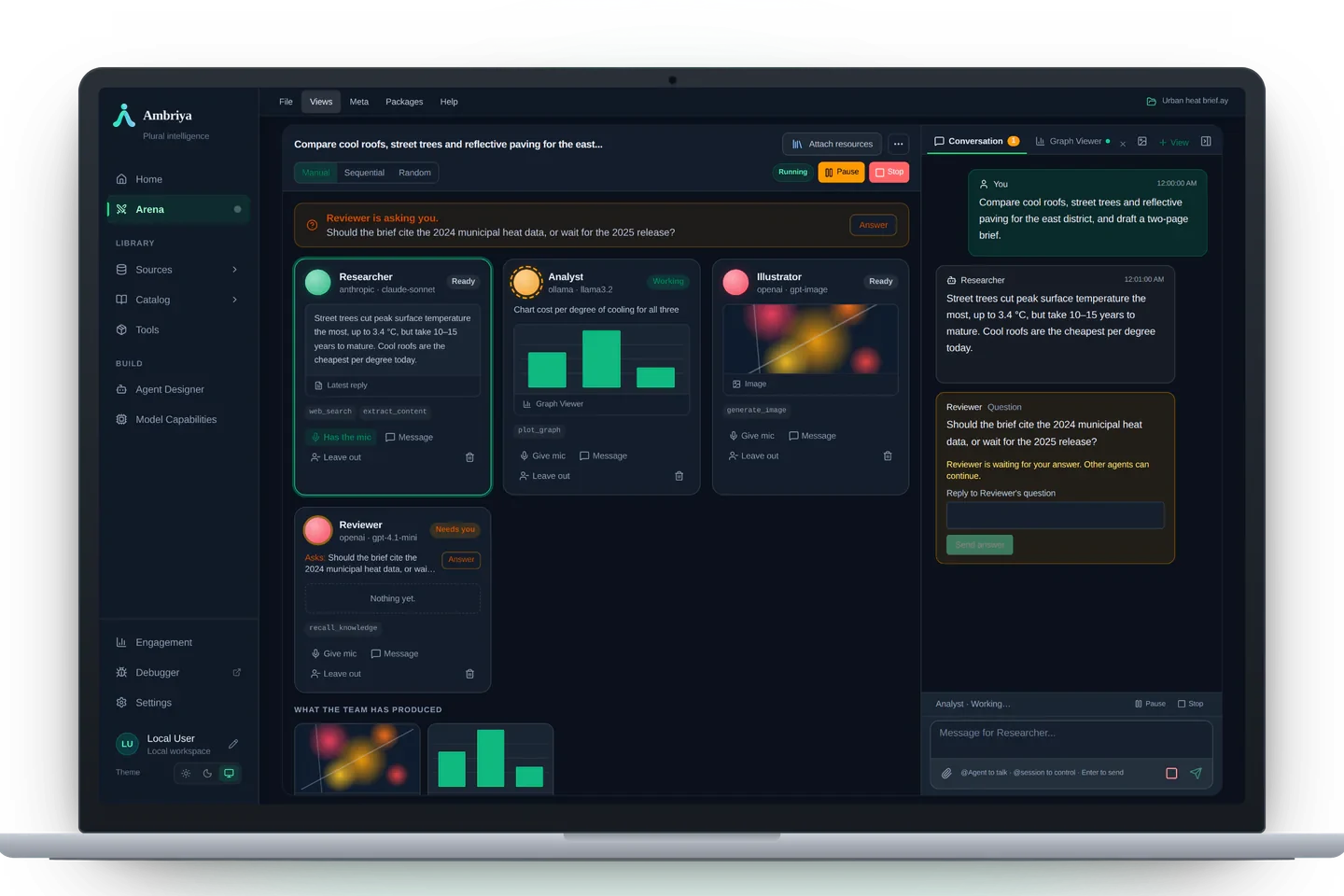
Desktop
Your agents work side by side in the arena. Projects, Sessions and provider credentials stay on the computer you control.
A team of agents across your devices
Run your agent team on Desktop and securely continue from Mobile.
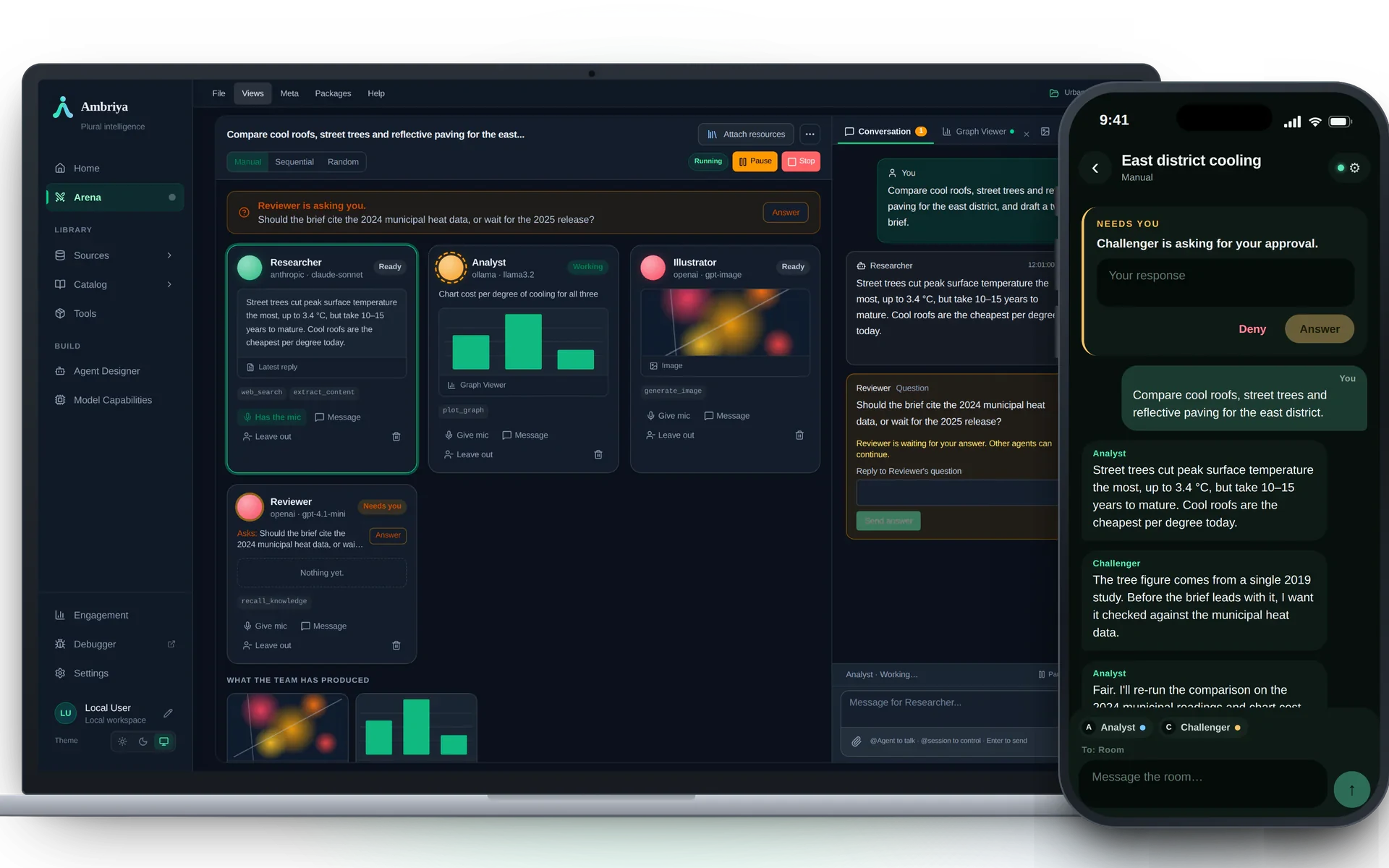
How it works
On your Desktop.
Each with its own role and tools.
The question reaches your phone.
Encrypted through Cloud, straight to your Desktop.
On the computer you control.
Illustrative example, not product screenshots.
One connected system
Your agents work side by side in the arena. Projects, Sessions and provider credentials stay on the computer you control.
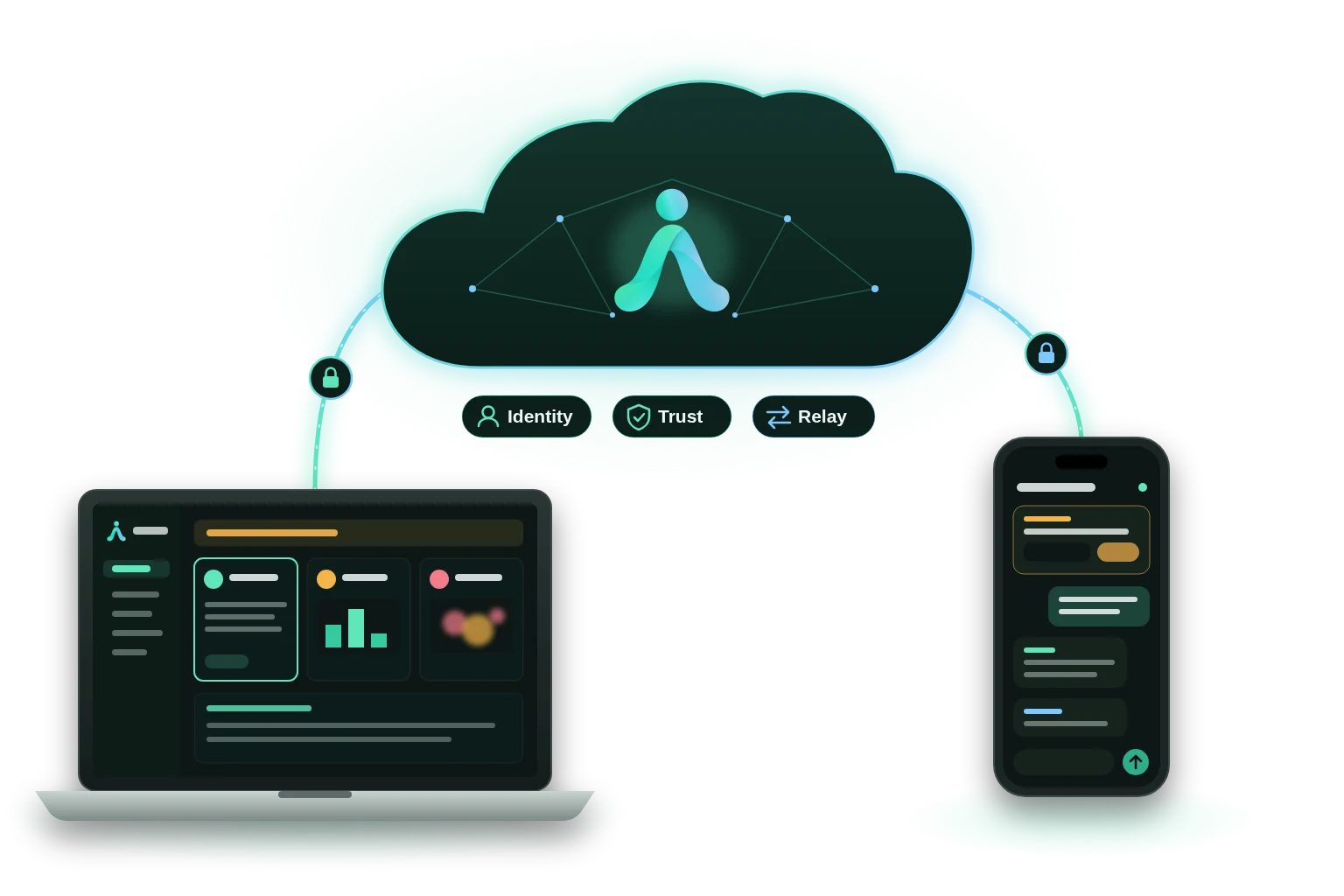
Identity, trust and encrypted relay—without becoming the home of your work.
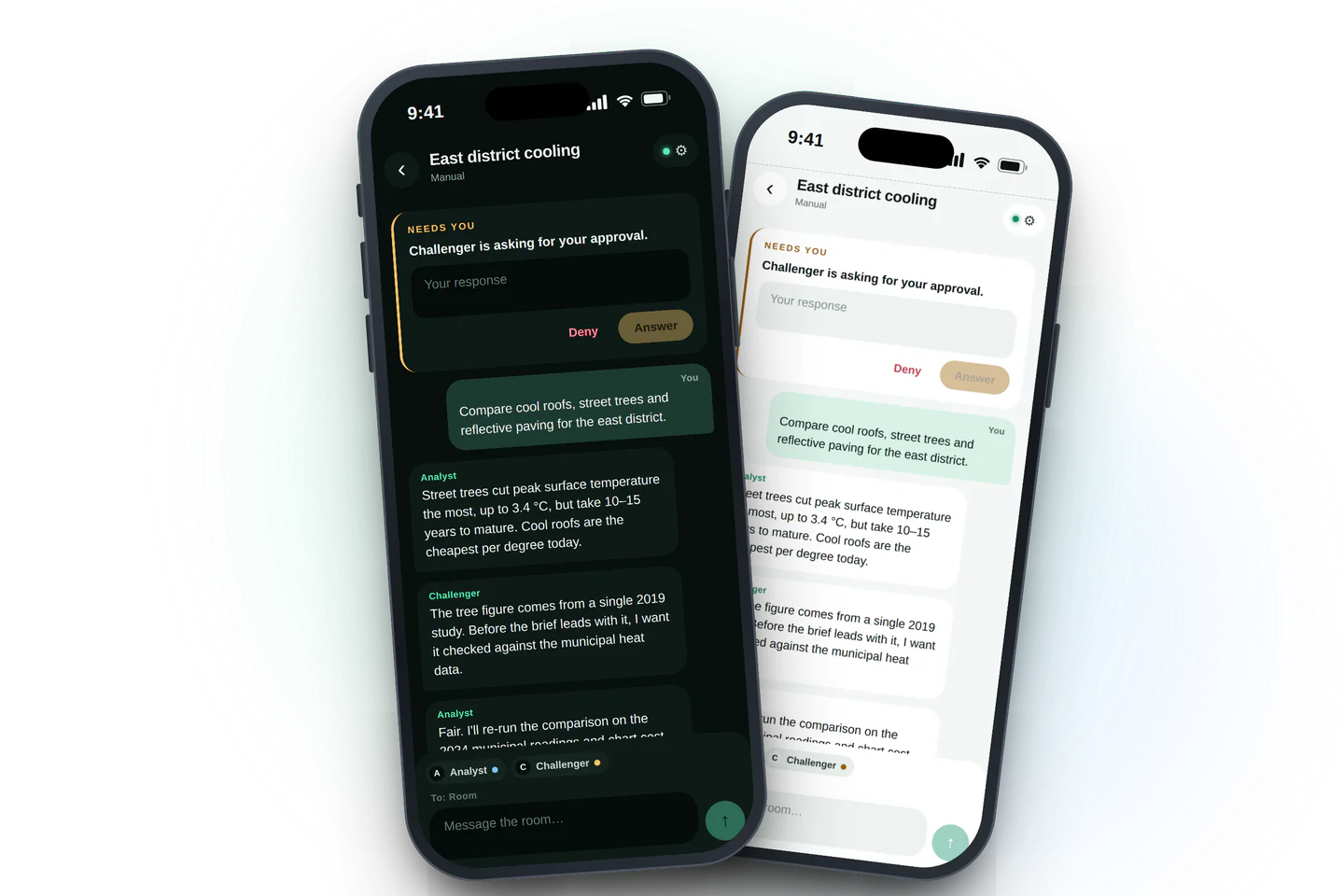
Follow the conversation and answer your agents from the phone you explicitly paired.
Connect your trusted devices with one verified account.